

Download Vehiculis
Download the program and install it on your computer.
Follow the instructions below on how to install it on Windows or macOS.
For iOS
iPhone e iPad
Latest version 1.2.0
Published on 09/02/2026
Available on the App Store

For Android
Smartphone and
Tablet
Latest version 1.2.0
Published on 09/02/2026
Available on Google Play

For macOS
MacBook, iMac, Mac
mini, Mac Pro
Latest version 1.2.0
Published on 09/02/2026
Available on the App Store
For Windows
Latest version 1.2.0
Published on 09/02/2026
Windows (8 or later)
64-bit version
After downloading the software, extract the content from the .zip file.
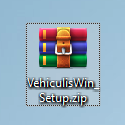
You should find an icon like this below, or a file named VehiculisWin_Setup.exe.
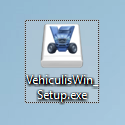
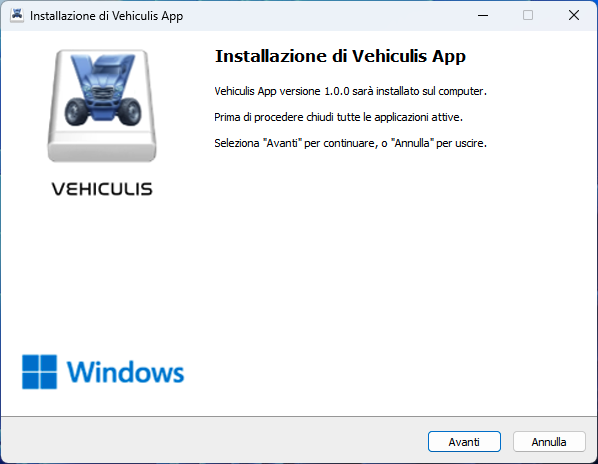
Double-click the installation file, and this screen will appear.
Continuing, you will have to accept the contract.
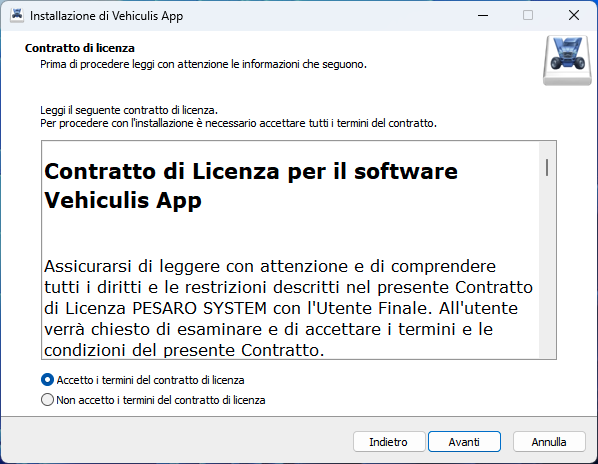
Accept the contract and continue until the last step, where you will find an "Install" button.
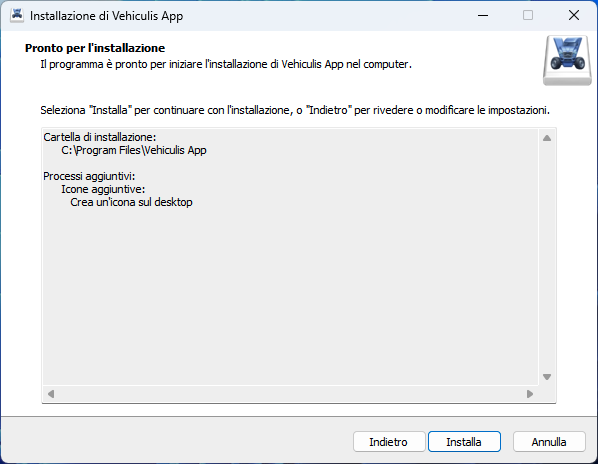
Click "Install" and wait for the installation to finish.
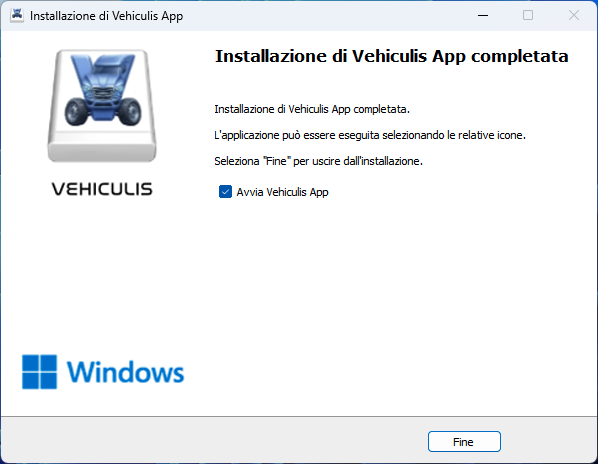
At this point, the software is installed and ready to use.